

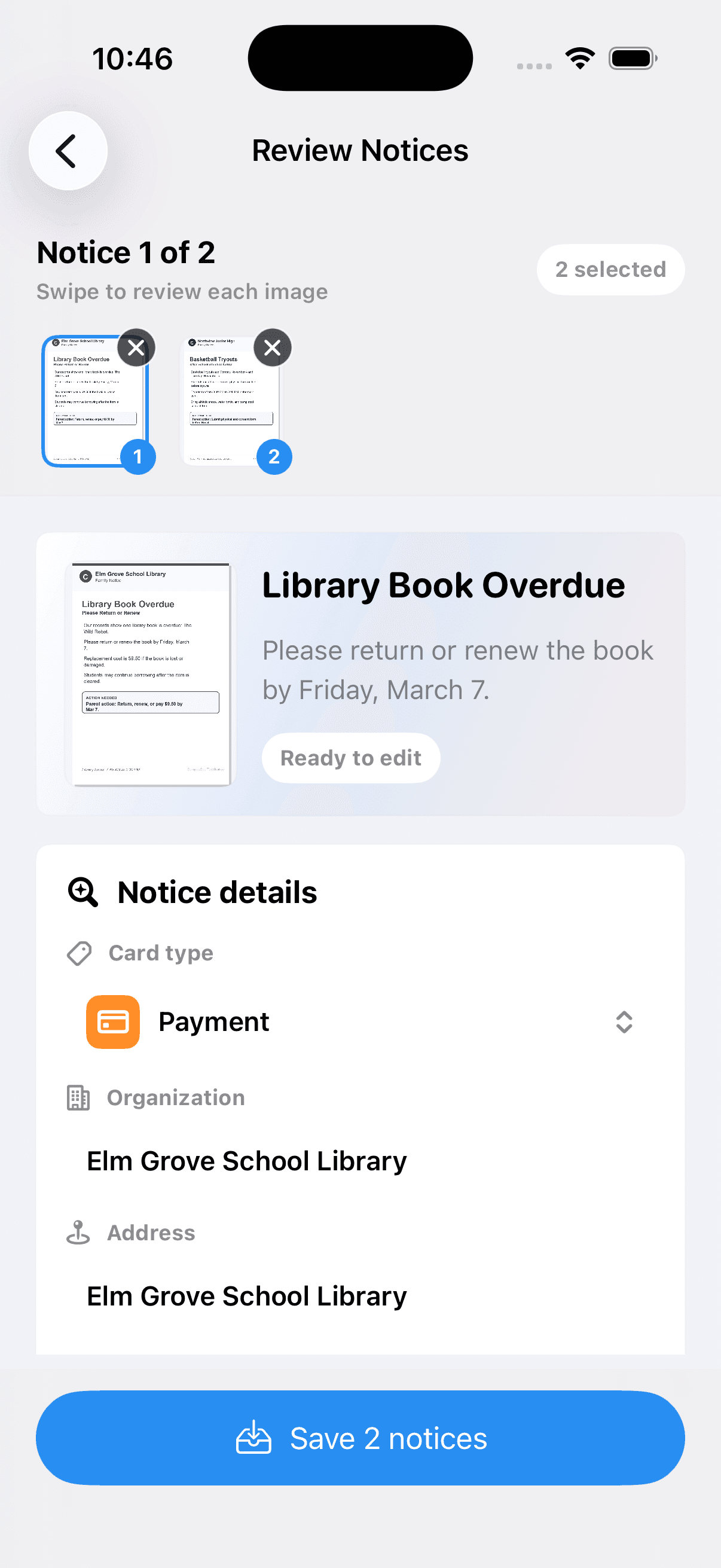
01
Capture notice
Add a photo, PDF, screenshot, shared file, or manual note.
CampusCue turns flyers, PDFs, and screenshots into clear action cards, so you only add what matters to your calendar.
Available now on the App Store.
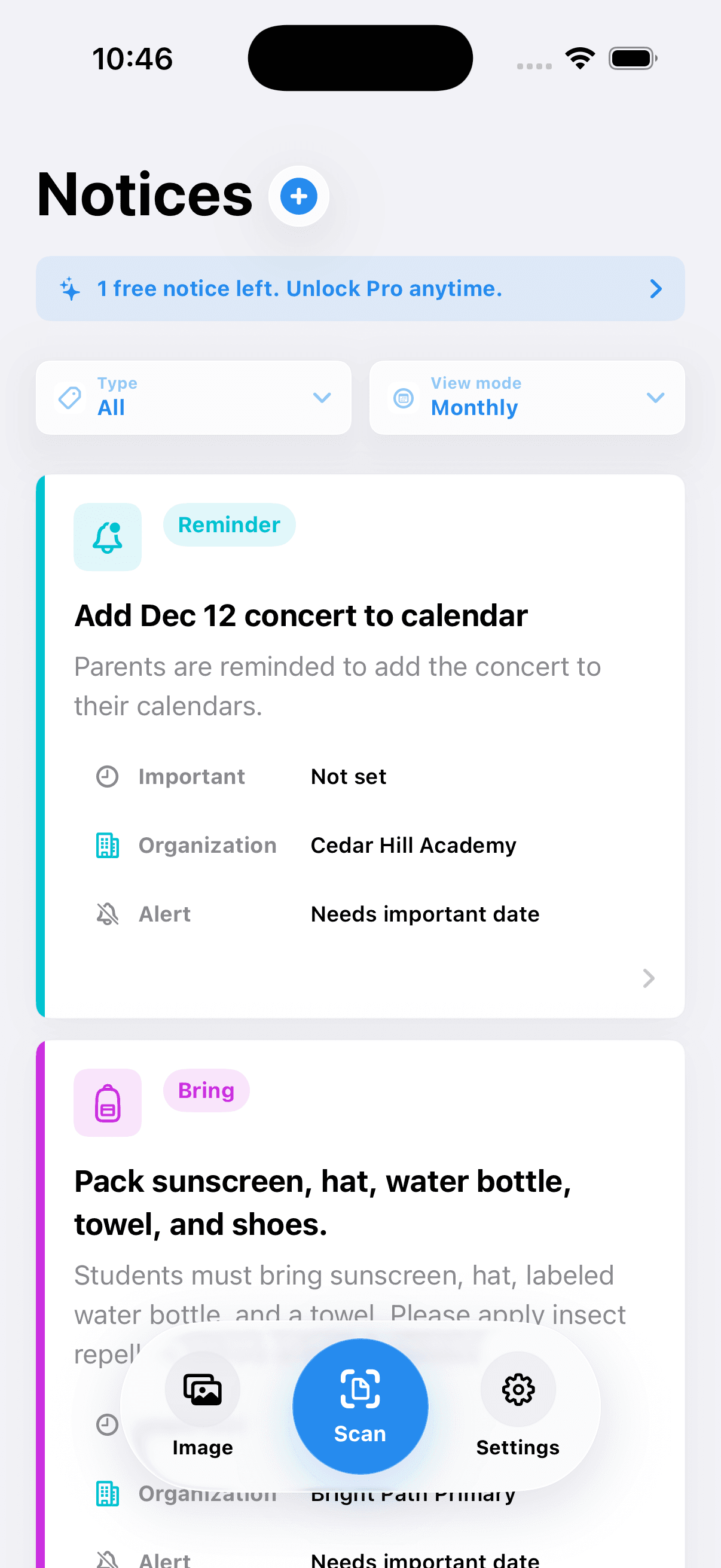
CampusCue keeps the source notice close to the action card, so every handoff starts with parent review.
Add a photo, PDF, screenshot, shared file, or manual note.
Device-supported extraction suggests one card, with manual edit fallback.
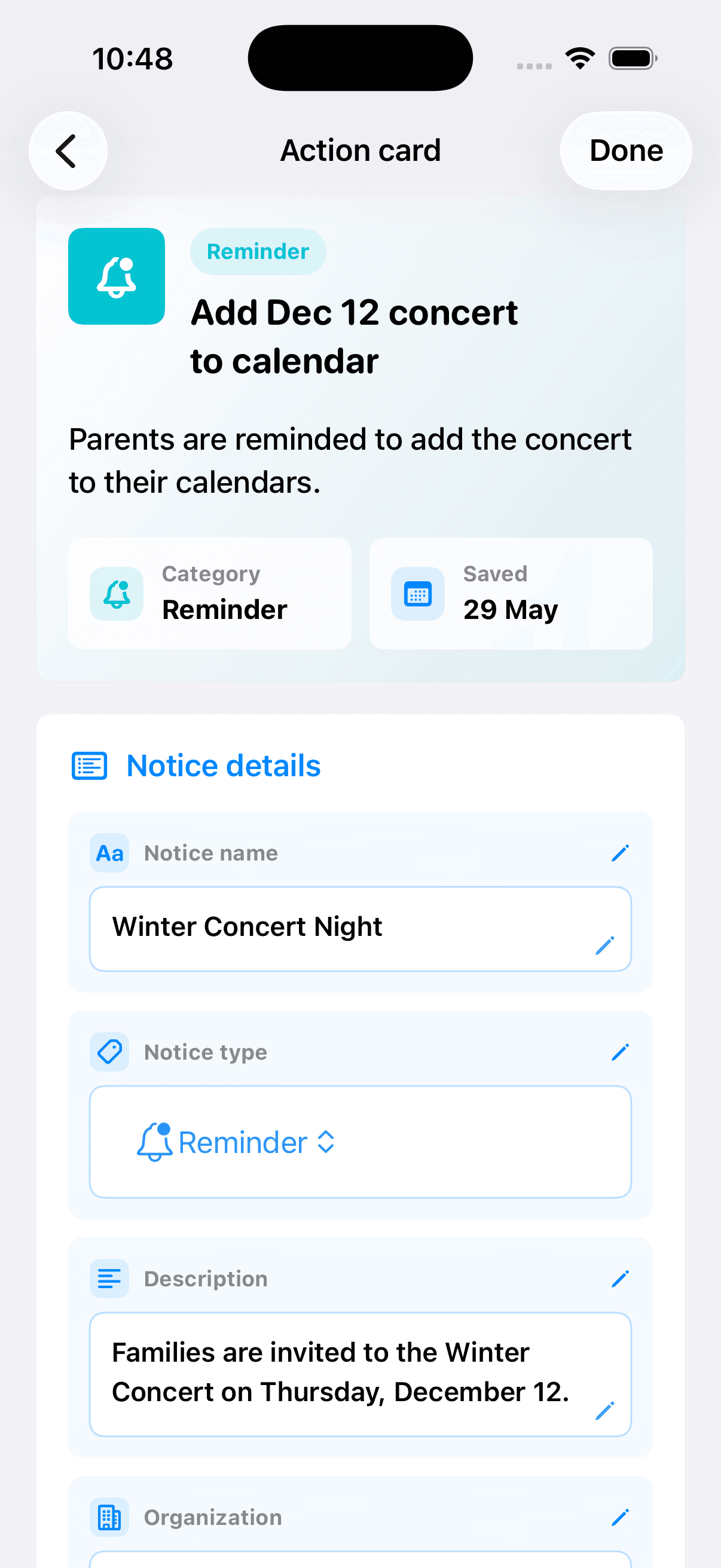
Check the title, source quote, due date, links, phone numbers, and category.
Calendar or Reminders handoffs happen only after you confirm the details.
CampusCue does not add anything to Calendar or Reminders until you review it. Edit the card, compare it with the original notice, then decide what to do next.
Private by design
You stay in control
Fewer missed details
Review required
Due Friday. Bring signed form to the front office.
Source quote
"Return signed permission slip by Friday."
Date
Friday, May 31
Type
Form
Handoff
Calendar optional after review
Capture paper flyers, screenshots, PDFs, or shared files. CampusCue turns them into one reviewed inbox without pretending to be an official school system.
Get the local-first school notice inbox from the App Store.
Available now for iPhone.